Flowker Journey
From tournament results and session setup to community, leaderboards, and the roadmap — how Flowker fits an MTT grind end to end.
Getting started
Flowker is built by players, for poker players. This page walks through the journey inside the app — from locating your tournament results to sharing the grind with the community.
1. Locate and aggregate tournament results
Flowker pulls tournament results in two ways:
- Tournament Summaries — folder paths where your client exports summary files (Log Scanner).
- Live Play — real-time sync on Flowker Desktop with your username (GGPoker, CoinPoker, WPN, WPT Global, and more).
On GGPoker, CoinPoker, WPN, and WPT Global, pre-existing results cannot be synced inside Flowker — their terms of service do not allow importing past tournament history into third-party tools. Only new tournaments played after setup are tracked on your account.
Room-by-room setup (Summaries vs Live Play, verification steps, supported brands) lives in Setup poker sites.
2. Manage your entire session
Before the first hand, choose how you want tables on screen:
- Flow System — one workspace: tiling, session notes, table borders, RNG, and Quick Post in a single window.
- Classic System — the minimalist path. Fastest free grid tiling on the market if you want to play as simply as possible — widget + presets, no extra chrome.
Flow Settings
Use features while you play.
Layout & overlays
Classic is intentionally stripped back. If that matches you, open Layout → Classic and pick automatic grids or customize slots directly on the preview (see the Classic System doc).
3. Run Start Session
Hit Start Session in the sidebar when you sit down. Flowker tracks session length, blends hourly rate with your live results, and builds session summaries when you stop — duration, tournaments, ITM, and net in one recap card.

Full detail: Session Summaries and Tournament Results.
4. Share with the community
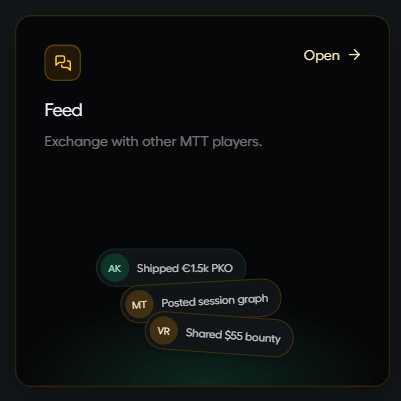
Use Feed to post hands, session graphs, and tournament scores — publicly or with friends you follow inside Flowker.
5. Compete on leaderboards
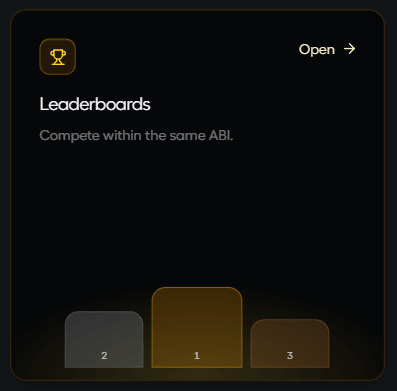
Leaderboards rank grinders within the same ABI band so you benchmark against players at your stake — not mixed-field noise.
Vote on what ships next
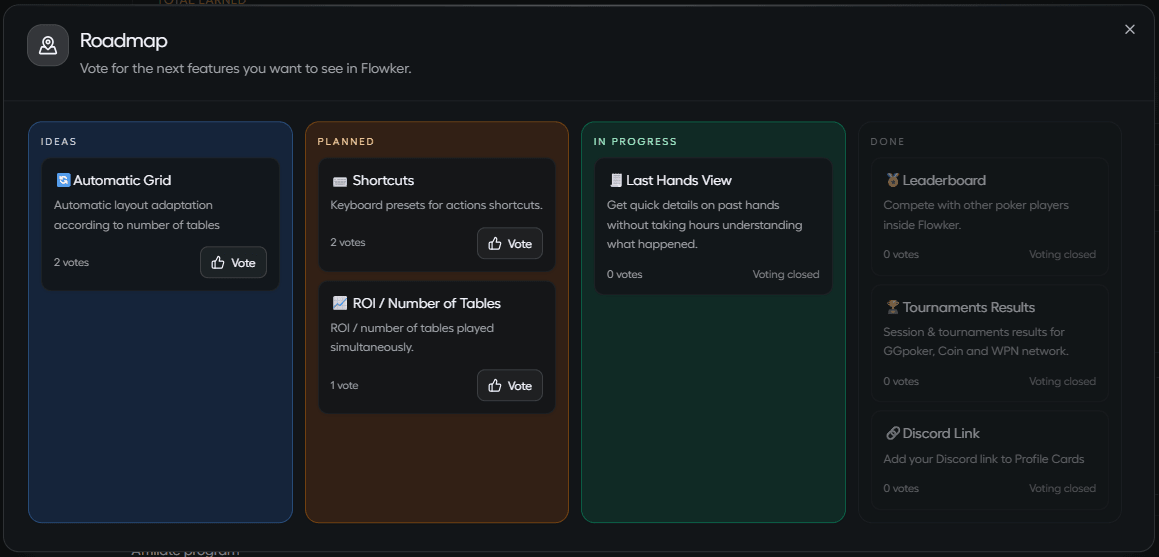
Open Roadmap from the sidebar to upvote Ideas and Planned cards — your votes steer what the team builds next.
At the end of the day, Flowker exists so tournament players can see their results, run a cleaner session, compete with peers, and shape the product — built by players, for poker players.